No agentSSHNetworkDiskRAMCPUNo agentSSHNetworkDiskRAMCPUNo agentSSHNetworkDiskRAMCPUNo agentSSHNetworkDiskRAMCPU
01
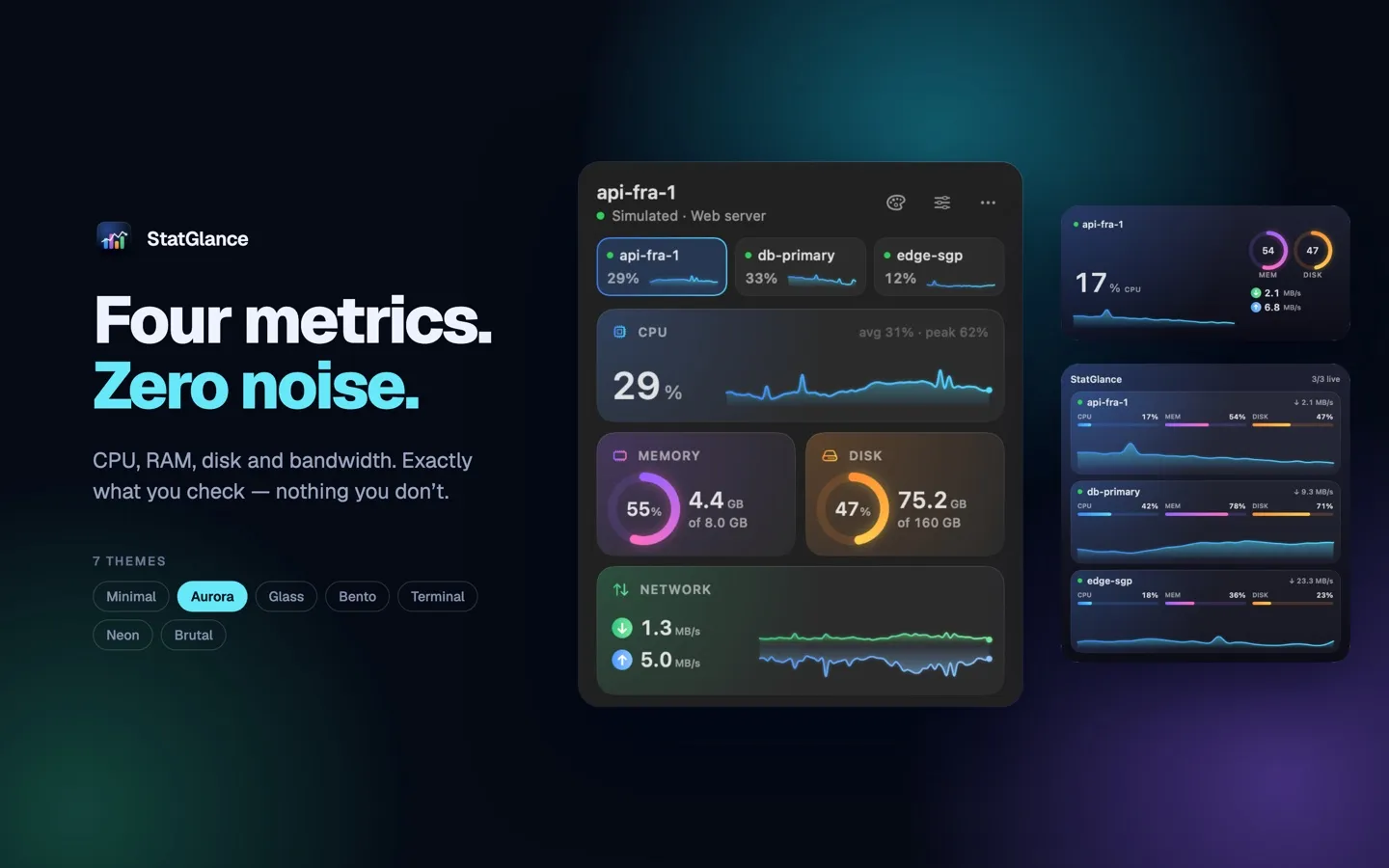
Four metrics. Zero noise.
Tools like Grafana are powerful, but when you just want a quick look at your VPS, they are more than you need. StatGlance stays deliberately small: CPU, RAM, disk and bandwidth, nothing else.
CPU usage with a live sparkline in the menu bar
Memory usage and disk fullness
Real-time download and upload speed
Values above 90% are highlighted in every theme
02
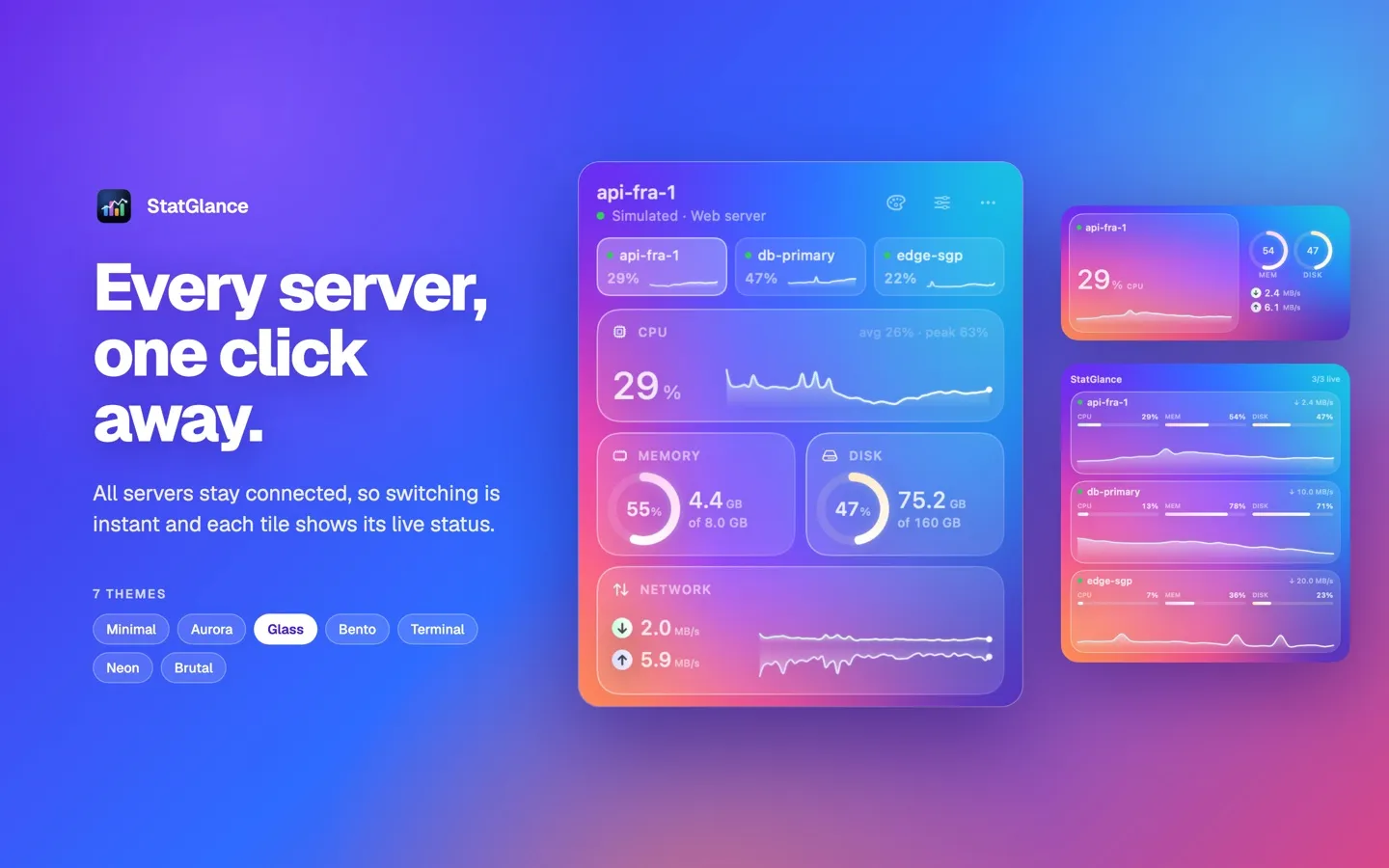
Every server, one click away
All your servers stay connected in the background, so switching is instant and each tile shows its live status. Dropped connections reconnect automatically.
03
Widgets that keep watch
Pin a single server or your whole fleet to the desktop or Notification Center with native macOS widgets. The same panel is also available in a regular window from the Dock.
04
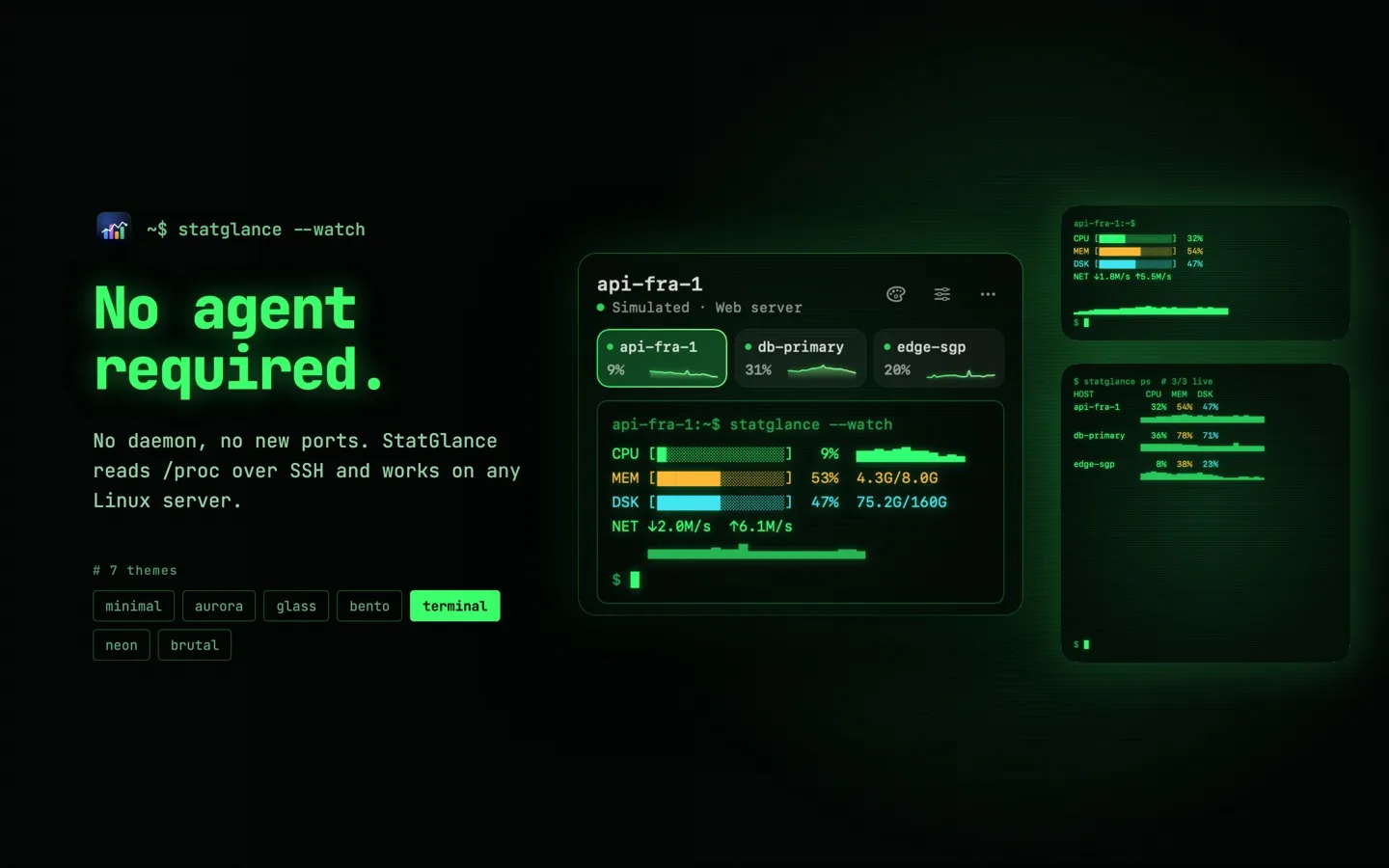
No agent required
StatGlance reads standard Linux /proc counters over SSH. No daemon, no new ports, nothing running on your server.
05
Secure by design
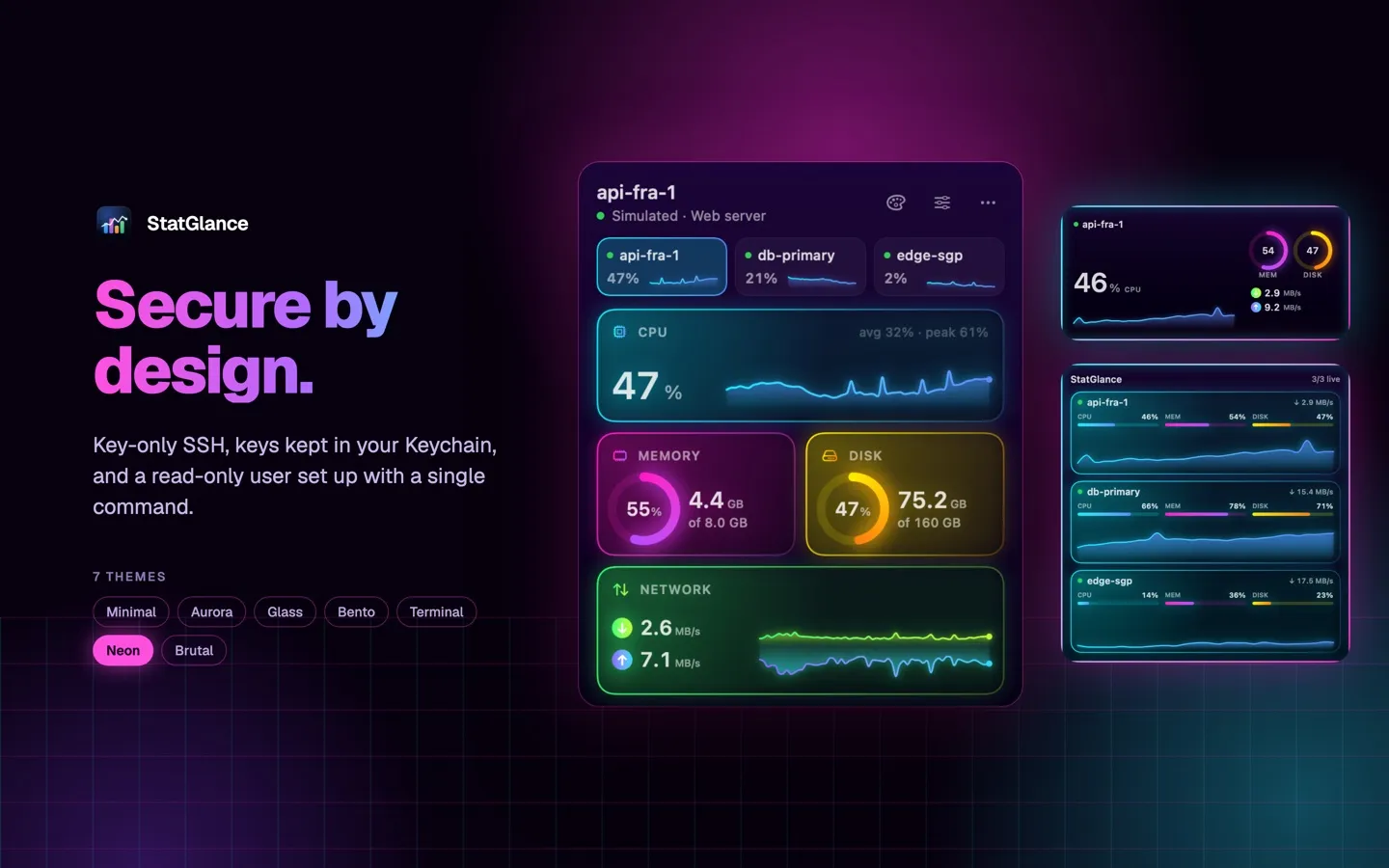
SSH keys in, passwords out. Your keys never leave your Mac.
SSH key authentication only. No passwords are asked for or stored.
Generate an ed25519 key in the app or import an existing OpenSSH key. Keys are kept in your Keychain.
Server host keys are pinned on first connection.
Secure Setup: run one command on your server to create a dedicated user with no password and no sudo that can only read metrics.
01 / 05
Seven themes
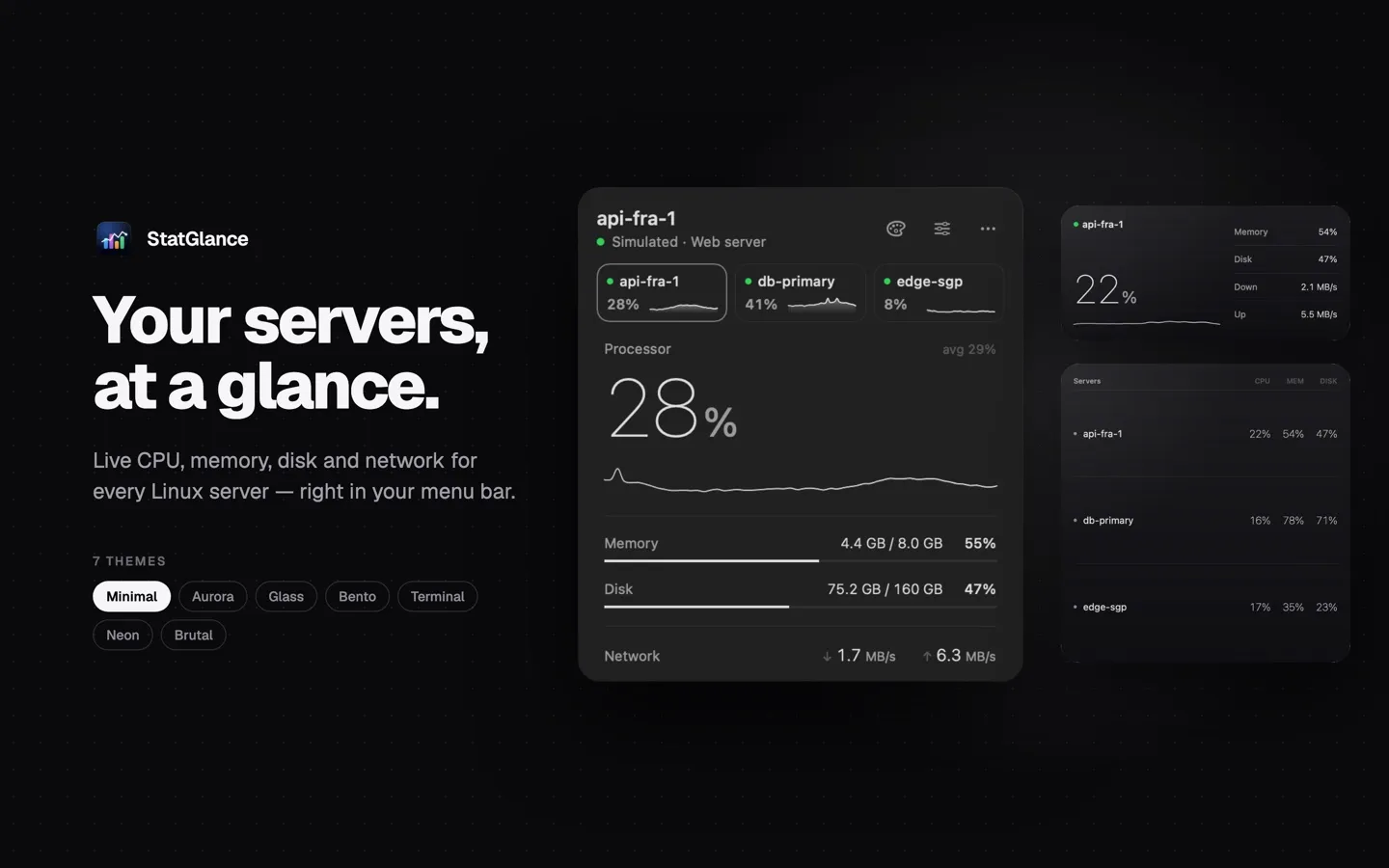
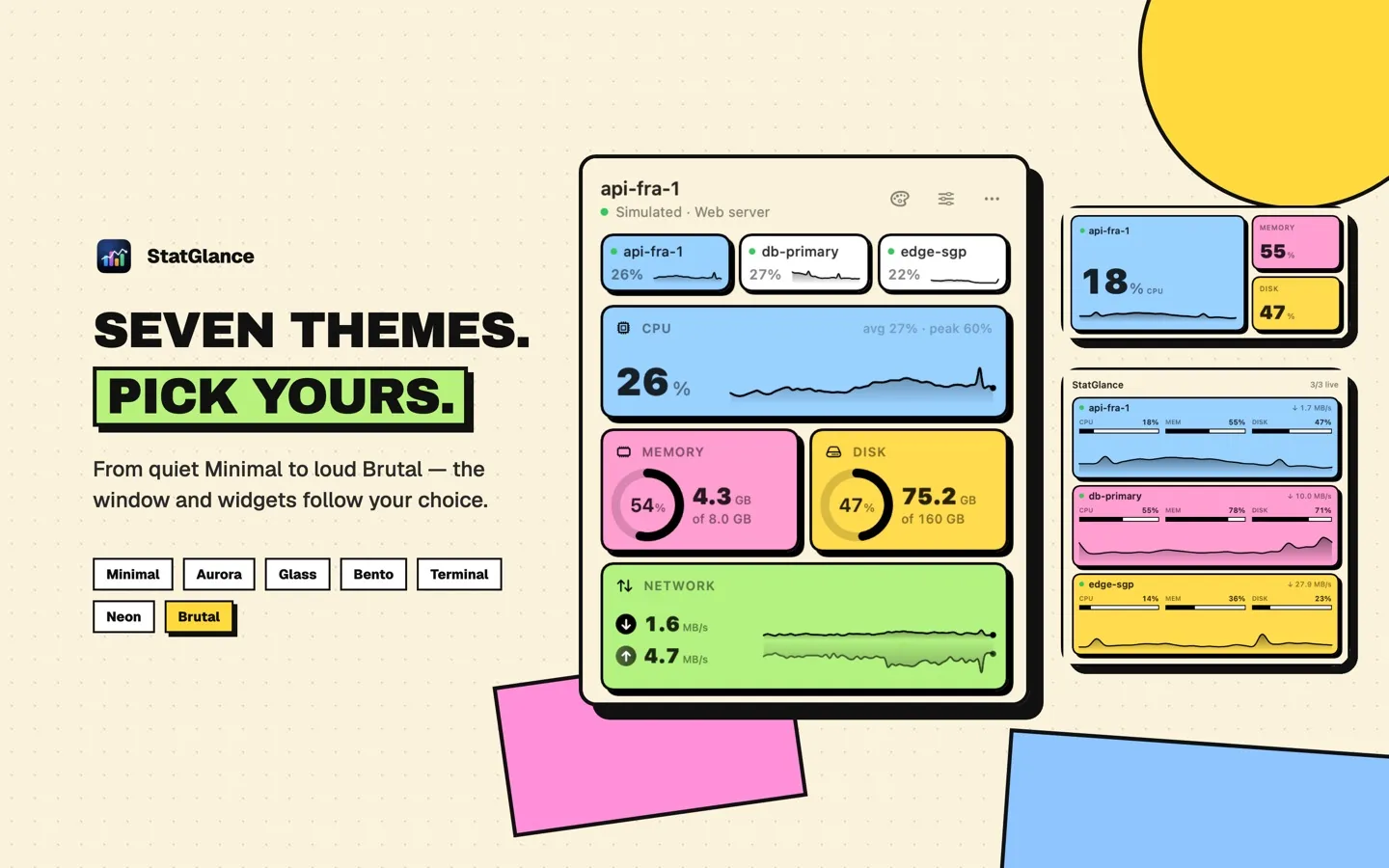
Minimal, Aurora, Glass, Bento, Terminal, Neon and Brutal, from quiet to loud. The panel and widgets change together.
01Minimal
02Aurora
03Glass
04Bento
05Terminal
06Neon
07Brutal
Private
No accounts, no analytics, no tracking. StatGlance talks only to the servers you add. Three simulated servers let you try it before connecting your own.
Requirements
macOS 15 or later
Linux servers reachable over SSH with key authentication